
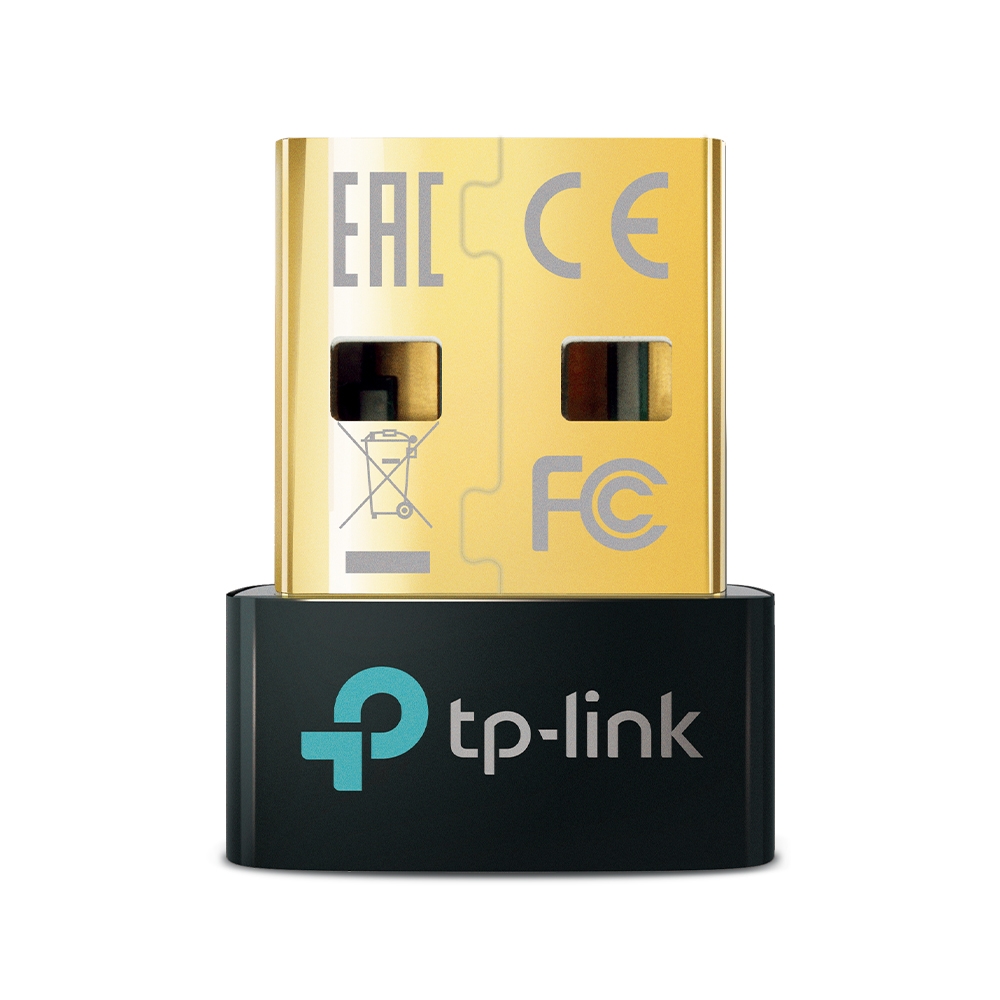
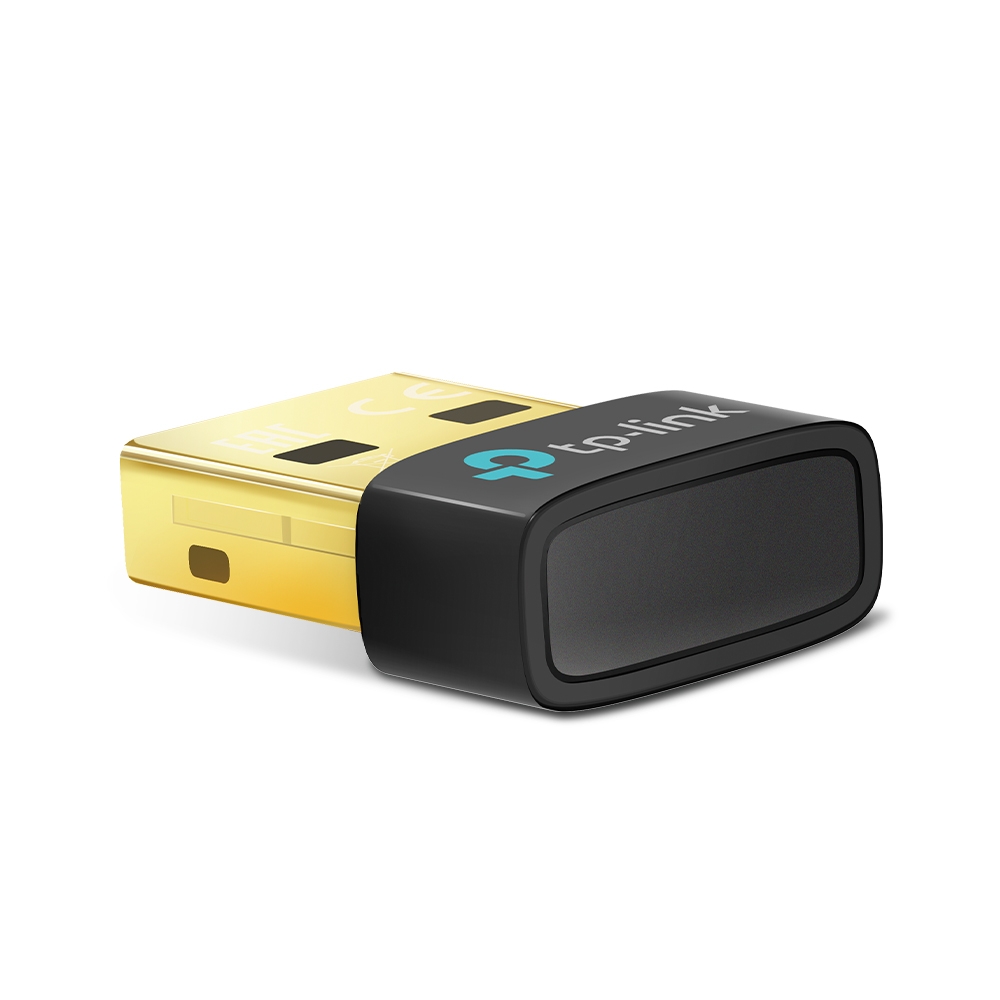
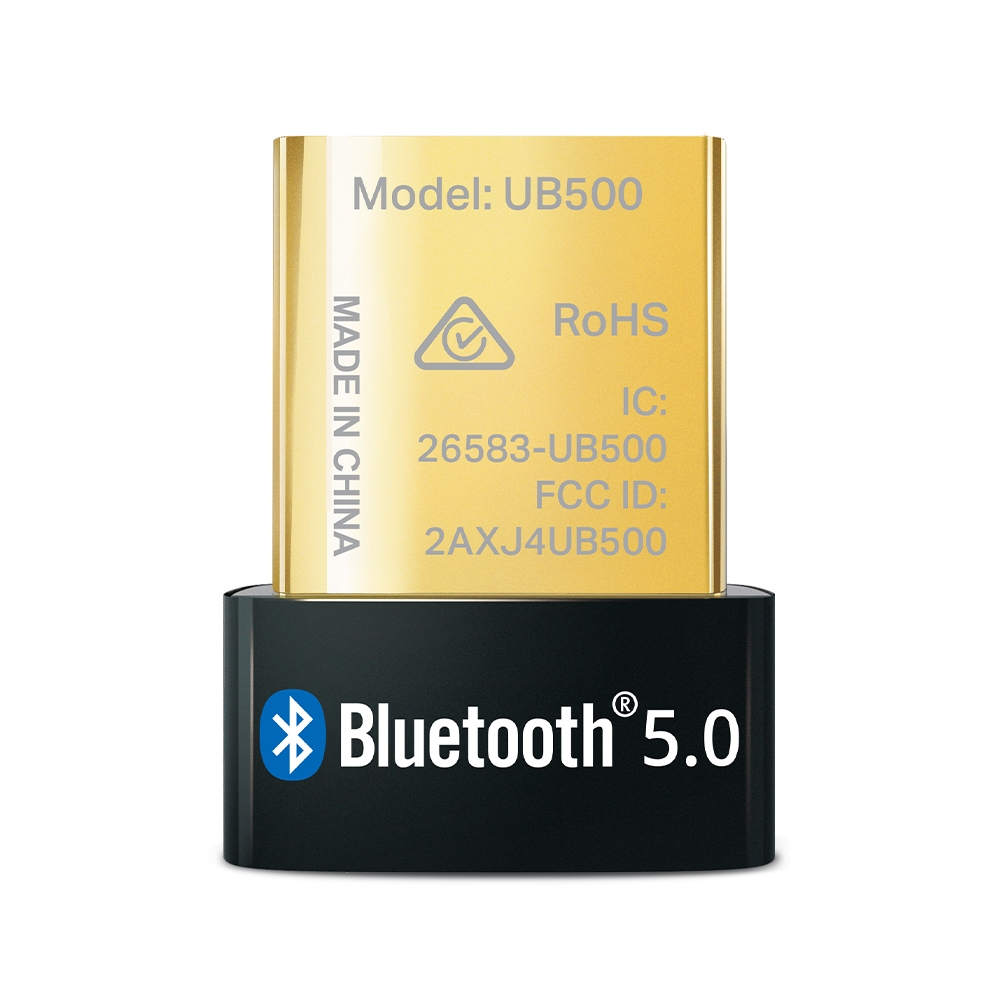
The TP-Link UB500 adds Bluetooth wireless connectivity to a Windows computer through a USB port. Use it to listen through compatible wireless headphones, work with a Bluetooth keyboard or mouse, or connect a supported game controller without replacing internal PC components.
The nano-sized housing takes up little space and can remain in a laptop USB port. Bluetooth 5.0 and Bluetooth Low Energy support compatible modern devices, while backward compatibility also accommodates older Bluetooth accessories.
Key specifications
- Bluetooth 5.0 with Bluetooth Low Energy (BLE) support.
- Backward compatible with Bluetooth 4.0/3.0/2.1/2.0/1.1.
- USB 2.0 interface with a USB-A connector.
- Officially supports Windows 11, 10, 8.1 and 7.
- Connect up to 7 compatible Bluetooth devices, depending on device type and use.
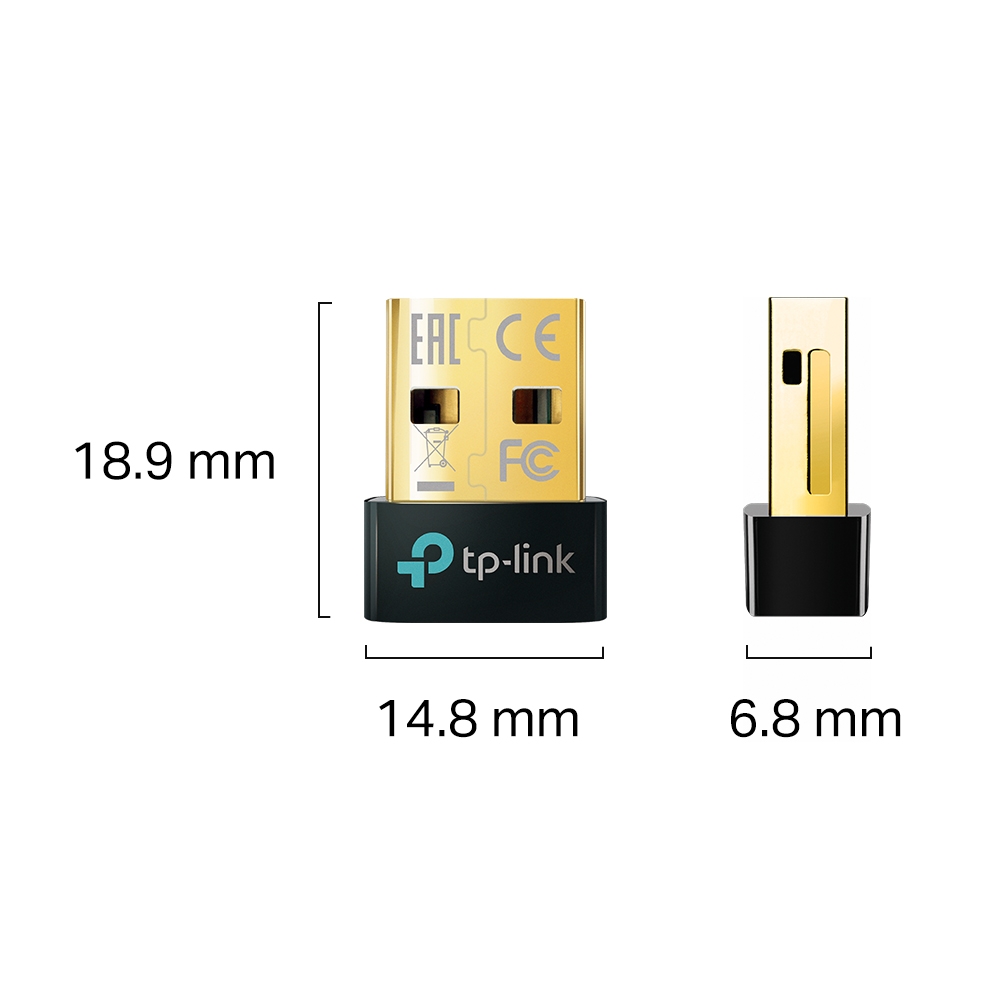
- Dimensions: 14.8 × 6.8 × 18.9 mm.
- Manufacturer-rated range: up to 20 m in open space.
- Warranty: 6 months.
Compatibility and setup
Connect to a free USB-A port and pair accessories in Windows Bluetooth settings. Windows 7 requires manual driver installation. Obtain the driver from TP-Link, selecting the hardware version printed on your adapter and the correct Windows version. The accessory’s required Bluetooth profile must also be supported by the computer’s software environment.
Package contents
UB500 USB adapter and quick installation guide.
Important limitations
Rated range is measured in laboratory open-space conditions; walls, obstacles and interference reduce it. This is not a Wi-Fi adapter or a standalone TV/car audio transmitter. Support for macOS, Linux or game consoles is not claimed. This listing specifies Bluetooth 5.0, not the newer 5.3/5.4 variants.
Reviews
There are no reviews yet.